architecture layers
Nodes
Small units of behavior and state.
CharacterBody2D · Timer · AudioStreamPlayer
MIT-LICENSED · COMMUNITY-BUILT · 2D + 3D
A practical Godot field guide. Explore game design patterns, understand the scene tree, and take a small project from prototype to export.
Start with one reusable scene and a complete input → play → restart loop.
SHIPPED WITH GODOT
Search the inherited 80-game catalogue by title, maker or genre. Compare design patterns across up to three games. Unverified sales figures and production narratives are held outside this candidate.
THE PRODUCTION BENCH
Recovered practical reference material: six architecture layers, three renderer paths, seven profiling steps, four project tracks and six editorial case lessons. Official renderer reference ↗
architecture layers
Small units of behavior and state.
CharacterBody2D · Timer · AudioStreamPlayer
architecture layers
Reusable composed trees with clear ownership.
player.tscn · enemy.tscn · pause_menu.tscn
architecture layers
Shareable data separate from scene instances.
ItemData · WeaponStats · DialogueLine
architecture layers
Events that reduce direct tree coupling.
health_changed · died · inventory_updated
architecture layers
Global services kept narrow and intentional.
SaveService · AudioBus · SceneRouter
architecture layers
Native or reusable modules at a measured boundary.
GDExtension · editor plugin · engine module
render paths
Desktop / high-end
Feature-rich rendering for desktop-class targets; backend availability depends on the platform.
GPU cost, shader complexity and lower-end integrated graphics.
render paths
Mobile / lean desktop
A leaner rendering feature set intended for mobile and less demanding projects.
Real devices vary sharply; test thermal behavior and memory early.
render paths
Web / older hardware
Compatibility rendering uses OpenGL and supports web export.
Feature limits, driver variation and web-specific performance ceilings.
performance steps
Make a stable scene, camera path or input sequence that shows the problem.
performance steps
Use monitors, profiler categories, frame time and rendering diagnostics.
performance steps
Decide whether the limit is script, physics, draw calls, shader, memory or loading.
performance steps
Remove work, lower frequency, pool objects or simplify data before changing languages.
performance steps
Batch, cache, stream, split scenes or move work off the critical frame.
performance steps
Use typed GDScript, C#, GDExtension or an engine patch only at the proven boundary.
performance steps
Record the scene and target that justified the change; keep it in the build loop.
shipping tracks
Solo / small team
GDScript, reusable scenes, typed Resources
Ten minutes of the final loop with save/load
Content tools arrive too late
shipping tracks
Small team
Forward+ or Mobile renderer, strict art benchmark
Stable frame time on the weakest target
Shader and draw-call creep
shipping tracks
Classroom / jam / campaign
Compatibility renderer, compact assets, browser input
A cold load and full loop on two browsers
Export assumptions diverge from desktop
shipping tracks
Experienced team
GDScript orchestration + profiled native extension
One worst-case benchmark with headroom
Native complexity spreads across gameplay
PRODUCTION QUESTION · Slay the Spire 2
A fork is justified only when the team can own integration, testing and upstream drift.
Editorial lesson, not a verified account of this game’s production.
PRODUCTION QUESTION · Cassette Beasts
Reusable scenes and data-driven content matter more than raw engine feature count.
Editorial lesson, not a verified account of this game’s production.
PRODUCTION QUESTION · Halls of Torment
Keep gameplay iteration high-level; isolate only profiler-proven bottlenecks.
Editorial lesson, not a verified account of this game’s production.
PRODUCTION QUESTION · Road to Vostok
Prototype the hardest systems in the destination engine before committing to a full port.
Editorial lesson, not a verified account of this game’s production.
PRODUCTION QUESTION · Webfishing
Design the social verb and moderation boundary before expanding world size.
Editorial lesson, not a verified account of this game’s production.
PRODUCTION QUESTION · DOGWALK
A clean asset contract between tools is more valuable than sharing a brand label.
Editorial lesson, not a verified account of this game’s production.
THE SCENE-TREE VOCABULARY
Open a term for a concise working definition. Start with official nodes and scenes documentation ↗
The smallest scene-tree building block: behavior, transform, rendering, audio, timing or data access.
A saved node tree that can be instanced, inherited and composed into larger structures.
A serializable data object, ideal for definitions such as items, abilities and dialogue.
An event connection that lets one object announce a change without hard-coding every listener.
A scene or script loaded globally; useful for services, risky when it becomes a catch-all.
The resource form of a saved scene, instantiated at runtime.
Code that runs in the editor to create custom authoring workflows.
A native extension interface that avoids recompiling the engine for many C/C++ integrations.
Native code compiled into a custom engine build; powerful, but the heaviest maintenance path.
A rendering method with a platform-dependent graphics backend; compare supported features and target-device requirements in the official documentation.
A rendering method with a platform-dependent graphics backend; compare supported features and target-device requirements in the official documentation.
The OpenGL route used for web and broader older-device support.
A physics engine available through Godot. Check the documentation for the selected Godot version before changing a project’s physics backend.
The lower-level navigation service behind pathfinding nodes and maps.
The lower-level rendering API beneath scene-tree visual nodes.
A handle used to address low-level server resources directly.
The conversion path from source art and audio into engine-ready assets.
Per-platform build settings, features, permissions and packaging rules.
An engine run without a display, useful for servers, tests and automation.
The main project a fork derives from; keeping patches upstreamable reduces drift.
INSIDE THE PROJECT
Eight image-backed production handbooks move past feature lists and into the decisions that shape a real Godot project: boundaries, data, signals, content tools, performance, saves, multiplayer, and release engineering.
Decide what owns behavior, what is reusable, and what is authored as data.
Keep systems aware of events without hard-wiring the whole tree together.
Turn repeatable content work into editor workflows rather than manual fixes.
Find the expensive frame before replacing language or architecture.
Run representative scenes on minimum hardware and real input devices.
Keep presets, symbols, save migrations, and rollback artifacts with the build.
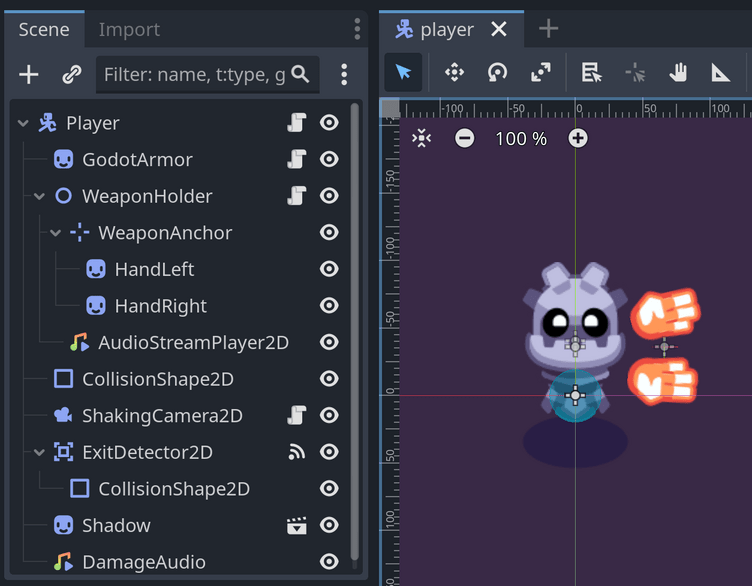
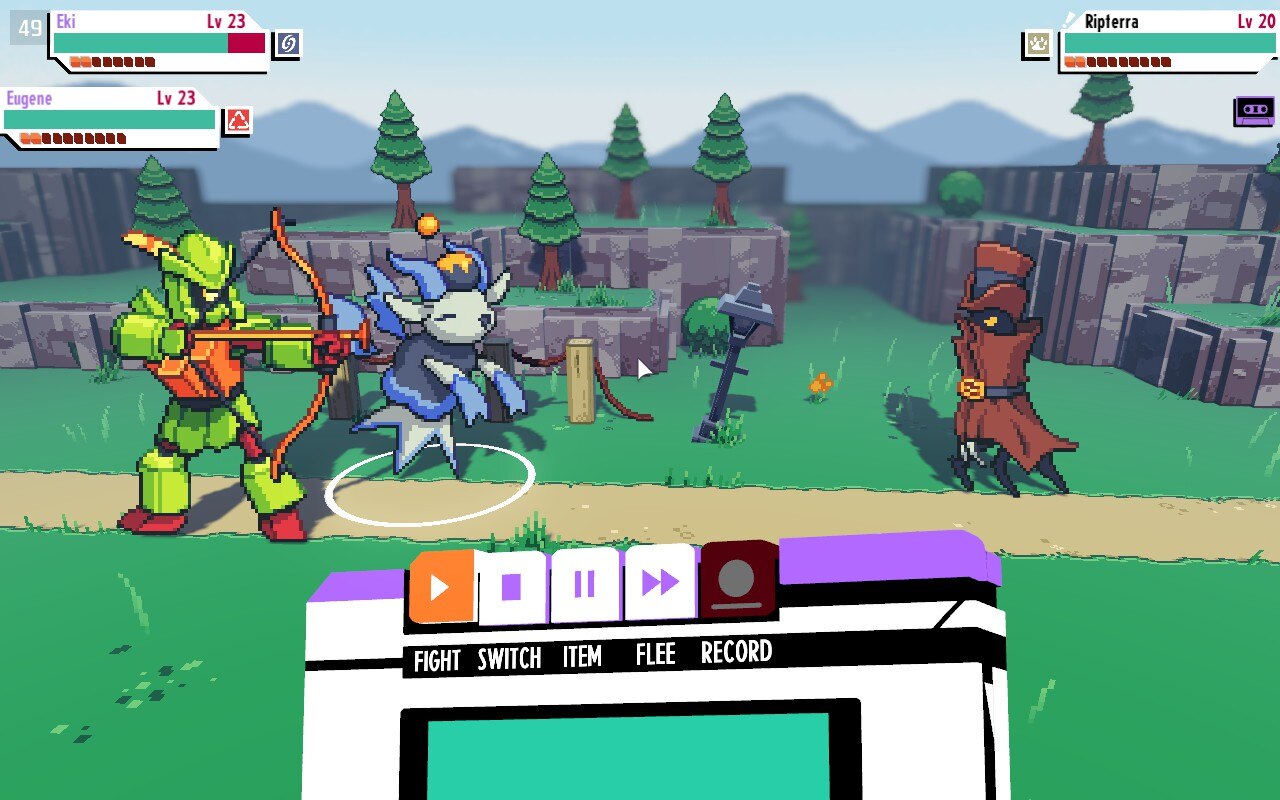
Scenes work best as owned units with one clear public job. A character, encounter, menu, or level chunk can be instantiated and tested without loading the entire game.
A scene owns its internal node paths. Outside callers use signals, exported properties, or a narrow method surface.
Instantiate it in an empty test scene. If it needs unrelated global state, the boundary is leaking.
Long absolute node paths, cross-scene mutation, and a root script that coordinates every small interaction.
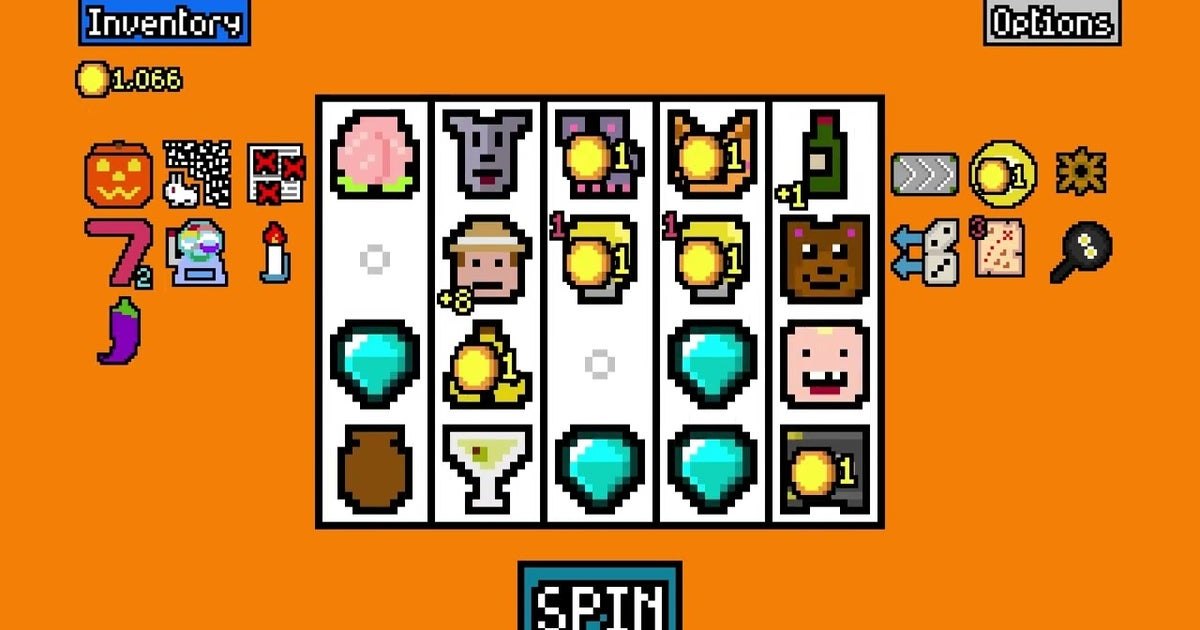
Resources turn values and references into editor-authored data. They suit cards, creatures, items, dialogue beats, upgrades, and any family of content that shares a schema.
Keep immutable definitions separate from per-run state. A sword resource describes the sword; an inventory tracks this instance.
Add one content item without editing gameplay code, then duplicate and rebalance it without changing the original.
Large match statements, duplicated constants, or scenes copied only to change a handful of numbers.
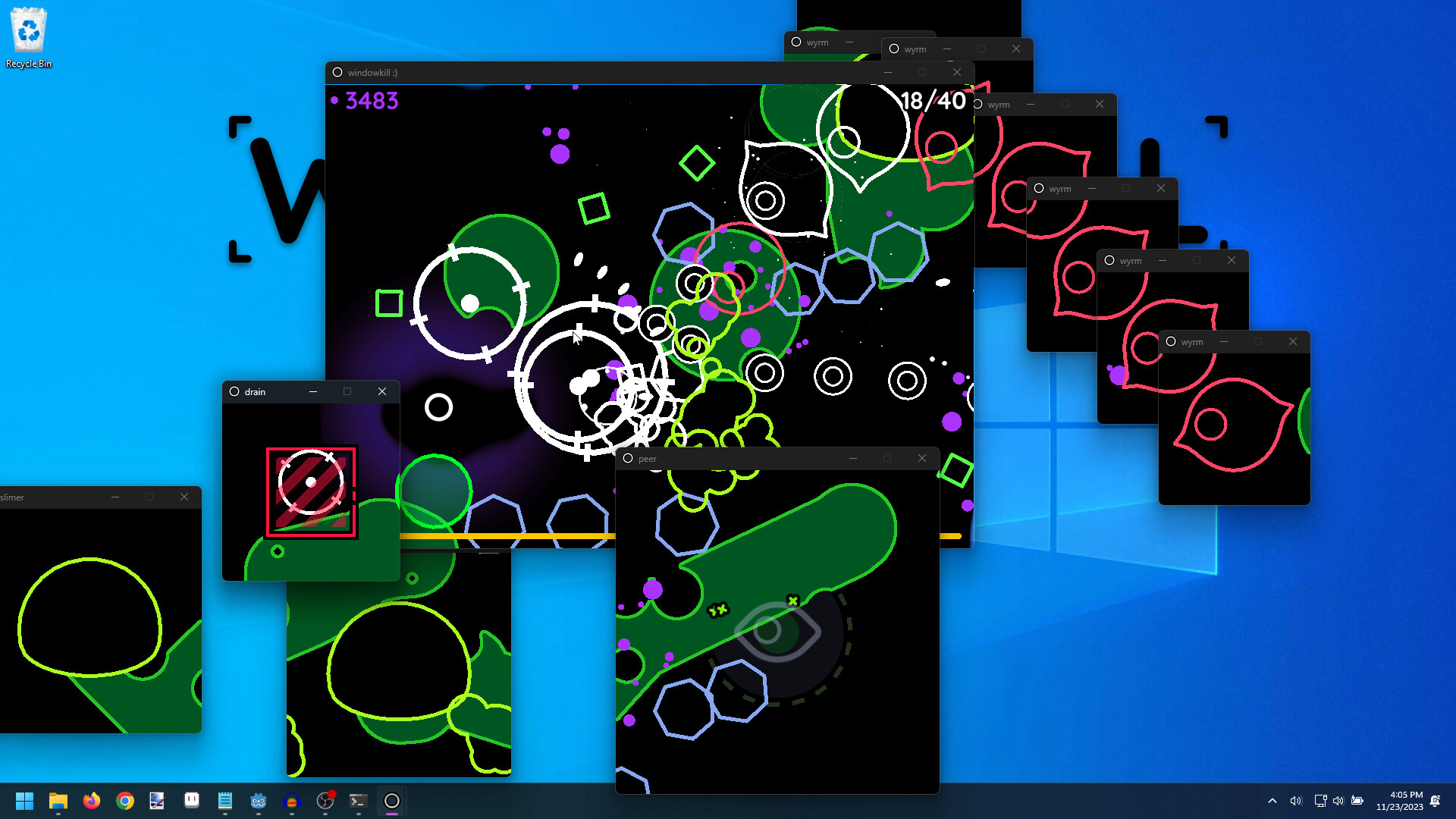
A health component can announce damage without knowing about achievements, screen shake, audio, or analytics. Groups help address capabilities; autoloads should remain few and intentional.
Name signals as events that already happened. Keep commands as methods so direction and ownership remain visible.
Disconnect a listener. The emitting scene should still function, even if an optional effect disappears.
A global event bus with dozens of undocumented strings and no clear lifecycle for listeners.
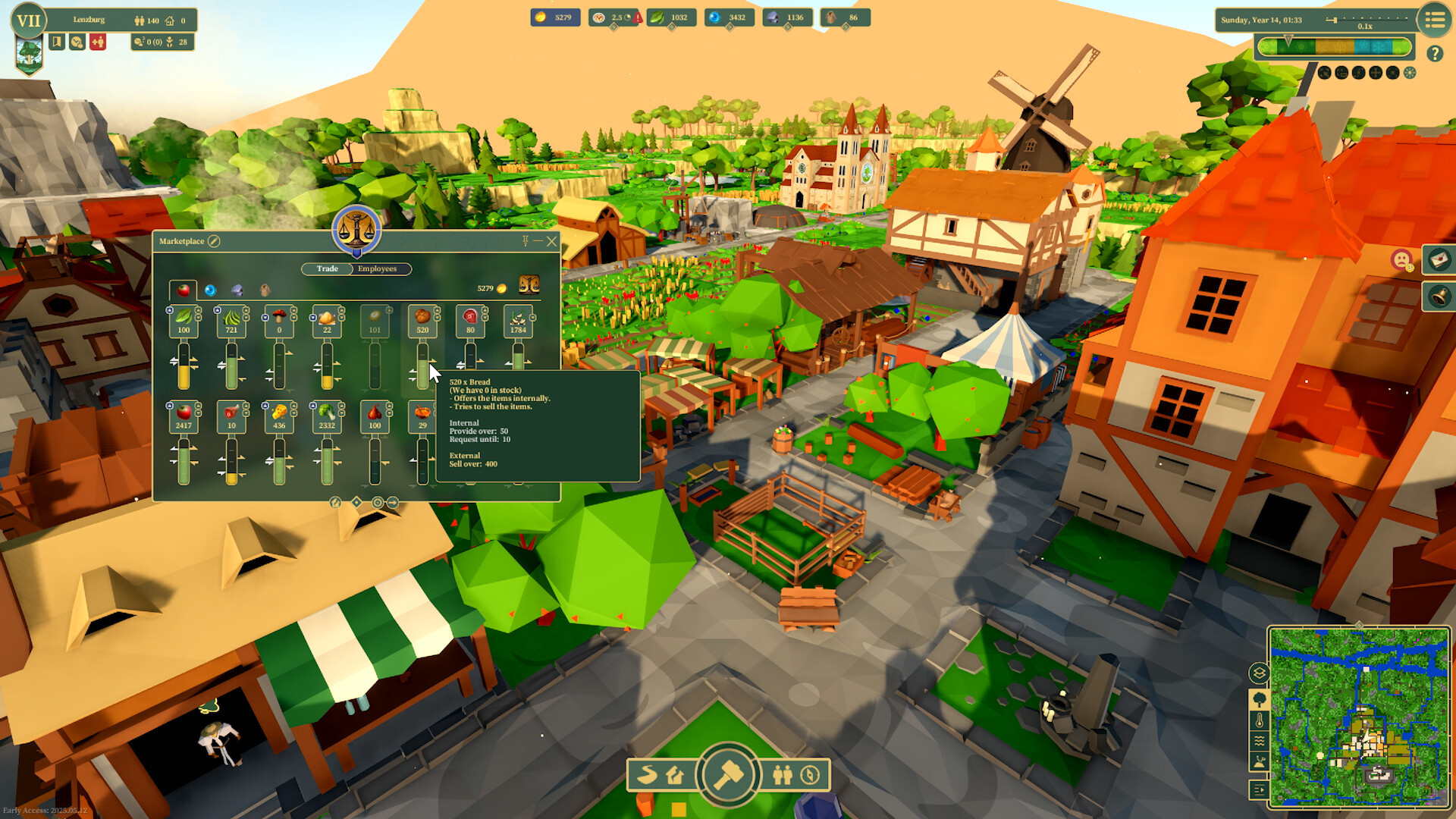
Dense simulations benefit from a deterministic model, scheduled work, and presentation that samples state instead of owning it. That keeps speed controls, saves, and debugging tractable.
Store canonical state in model objects or resources; let nodes render and route input rather than become the database.
Run the simulation headless or at accelerated time and verify the same seed produces explainable outcomes.
Every agent processes every frame, visuals mutate rules, and pausing animation accidentally pauses the economy.
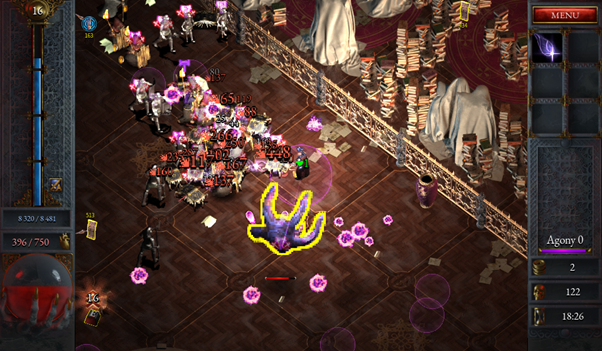
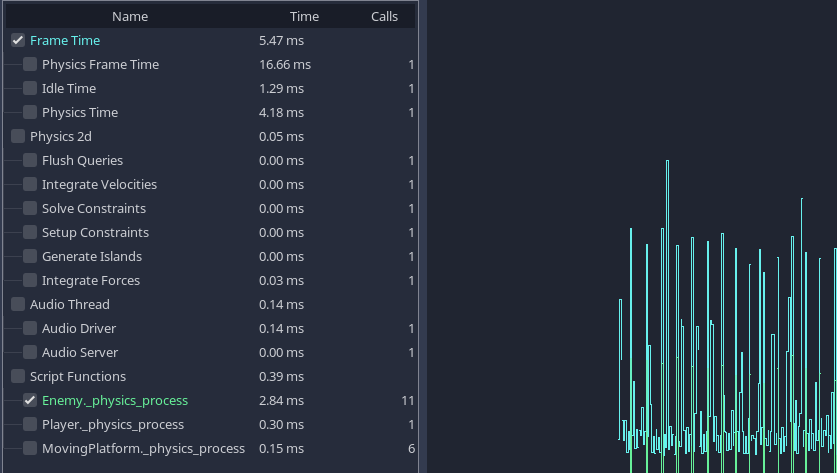
Object count, physics queries, overdraw, allocation, draw calls, and script work can each become the limit. The remedy depends on which monitor moves when the frame spikes.
Set a frame-time budget by system and target device. Keep a representative stress scene in the repository.
Capture a slow frame, disable one subsystem, and compare. Change language only after identifying script execution as the cost.
Micro-optimizing startup code while spikes come from particles, shadow maps, collision pairs, or scene churn.
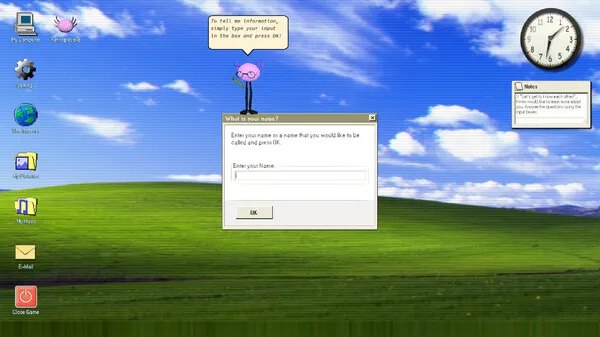
Players expect progress to survive patches. Version the schema, keep migrations small, validate before replacement, and write atomically so interruption does not destroy the last good state.
Serialize identifiers and plain values, not live node references. Give renamed content a migration map.
Open saves from several shipped versions, interrupt a write, corrupt a copy, and verify recovery behavior.
Loading depends on current scene order, missing fields crash startup, or autosave overwrites the only copy.
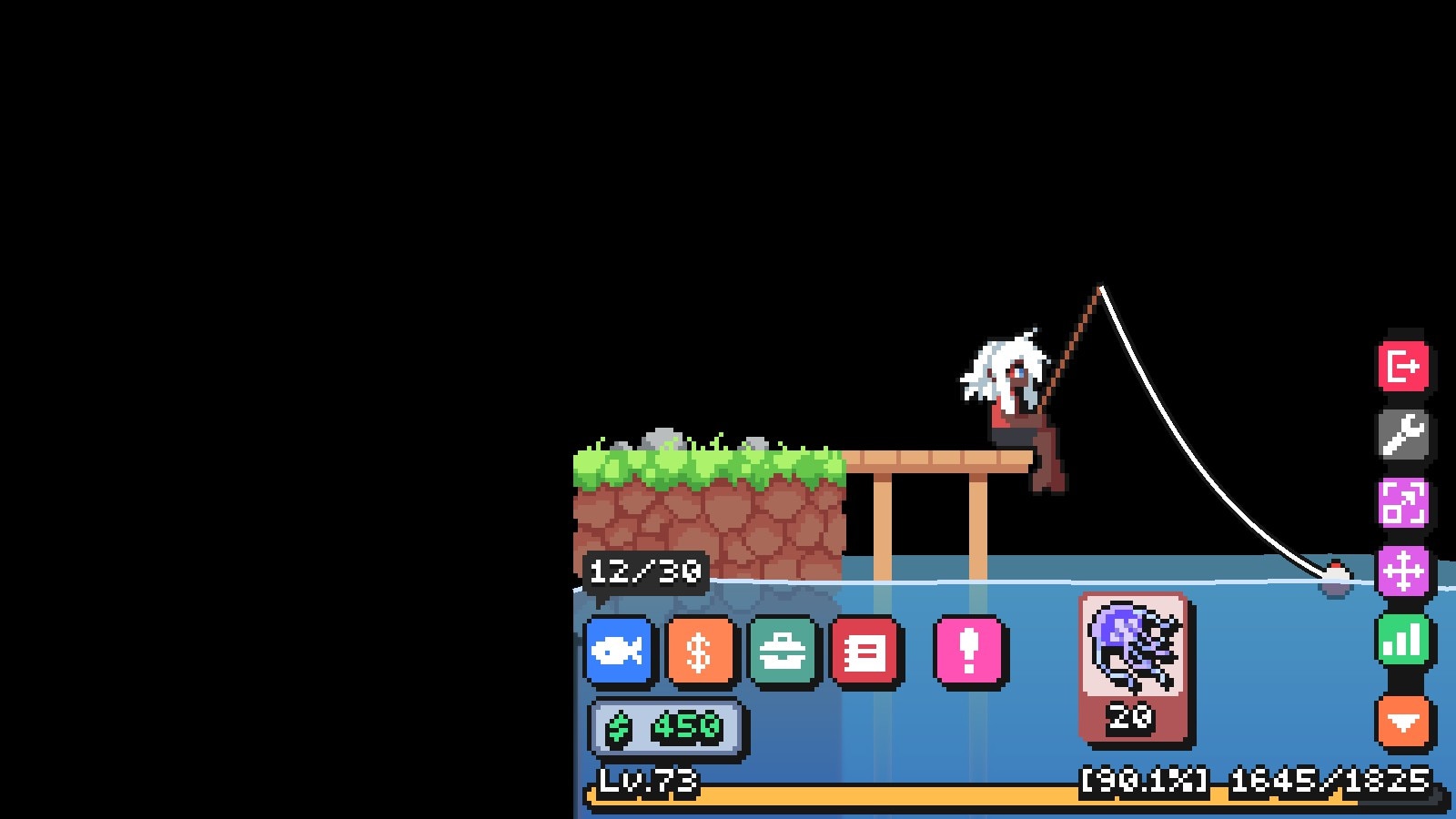
Multiplayer is a trust model plus a failure model. Decide who owns each fact, what is predicted, how peers reconnect, and what happens when messages arrive late or twice.
Separate authoritative game state from cosmetic events. Validate player intent where authority lives.
Add latency, packet loss, duplicate requests, host departure, version mismatch, and a reconnect during active play.
The lobby works on LAN, but game state cannot recover after a pause or one peer leaving.

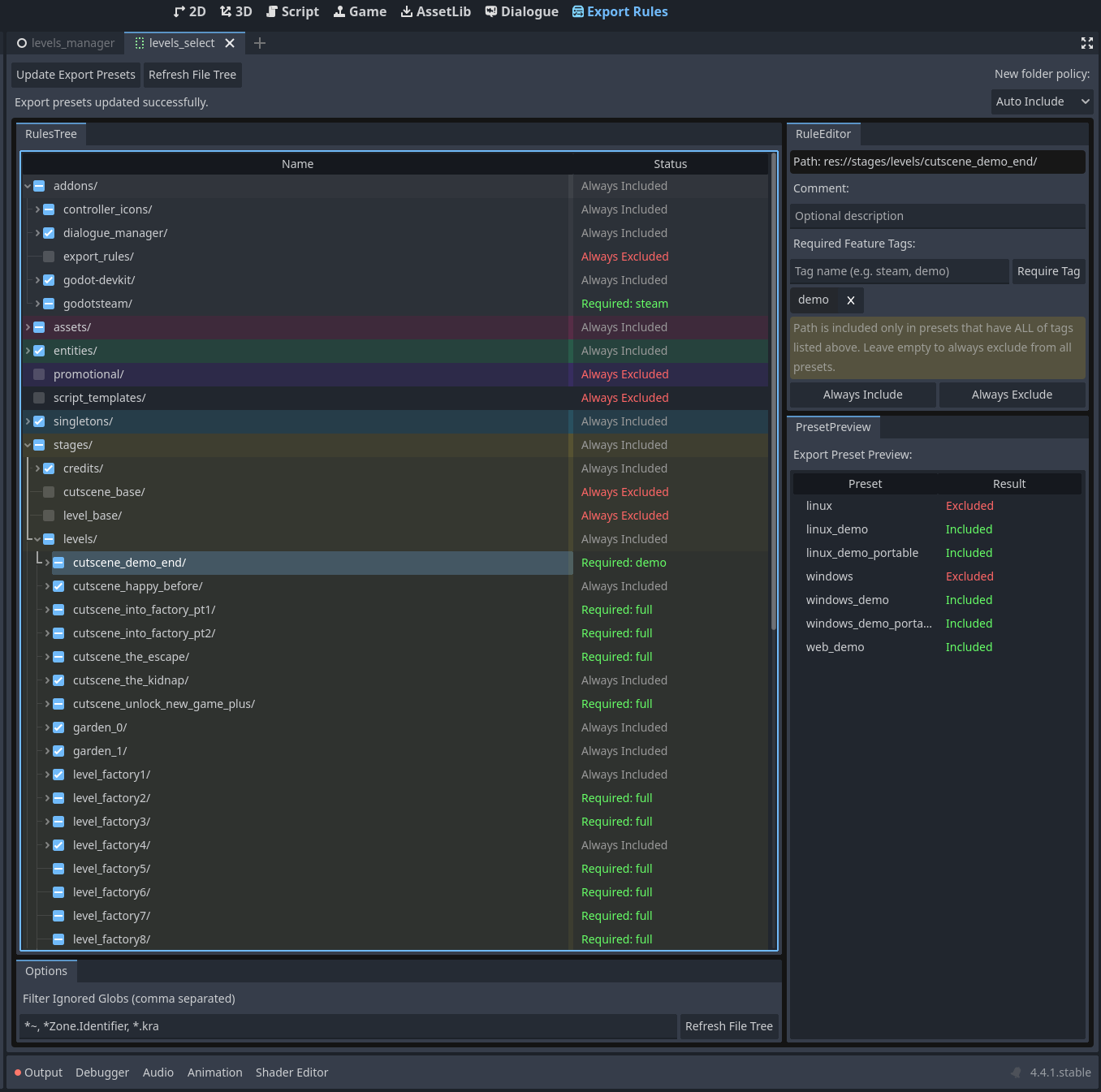
Importer presets, validation scripts, editor plugins, and naming rules matter when a project has hundreds of scenes, portraits, dialogue lines, or localization keys.
Define the source asset, imported artifact, runtime resource, and ownership of each transformation.
Reimport the project from a clean checkout and verify that no undocumented manual editor step is required.
Only one teammate knows the export ritual, and fixing an asset means clicking through the same settings again.
GENRE + SYSTEMS ATLAS
Eight visual field notes connect shipped games to production patterns. They are not genre rankings: each asks what Godot makes direct, what still demands engineering, and what a vertical slice should prove first.
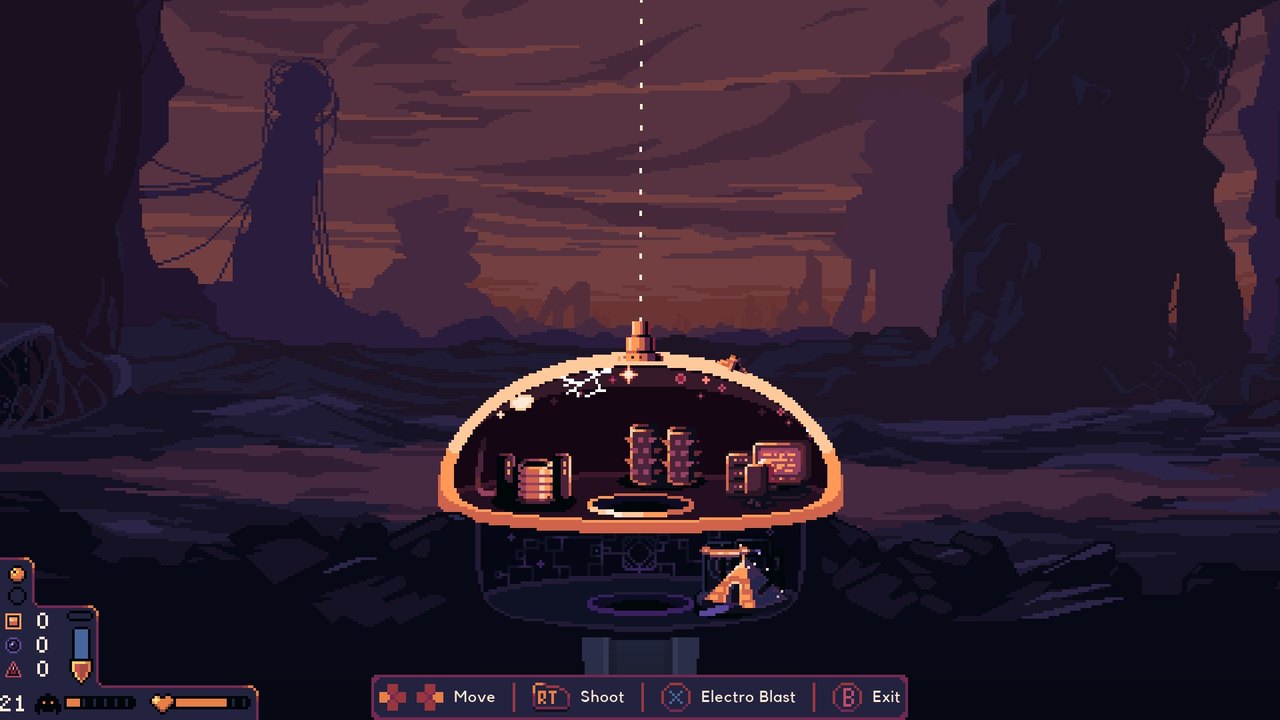
Godot’s 2D transforms, animation tools, signals, and collision layers fit compact enemies and projectiles well.
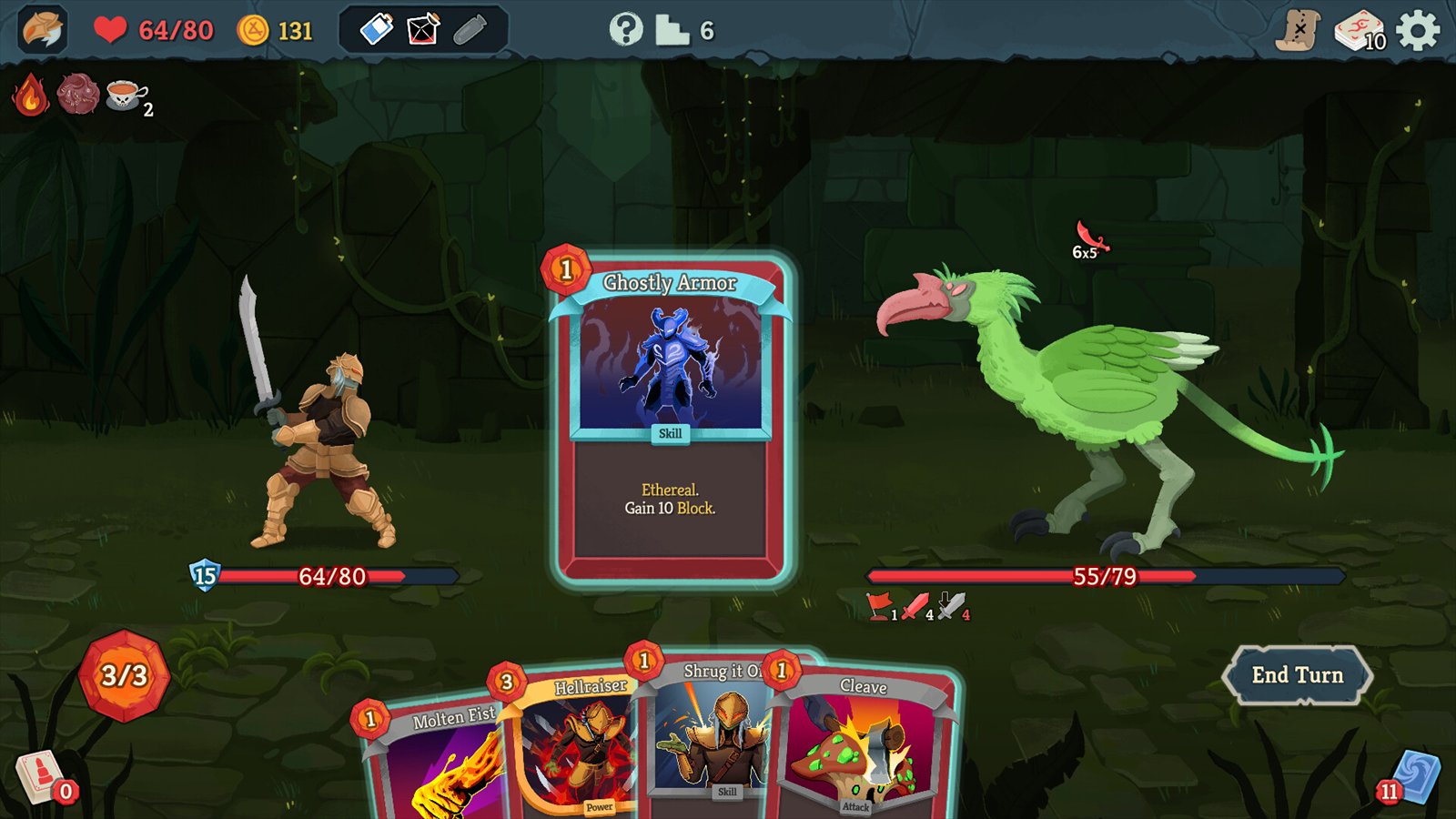
Cards, relics, statuses, and encounters reward resource-driven definitions plus a deterministic rules layer.

Control scenes and themes support dense research surfaces, but focus order and information hierarchy need deliberate design.
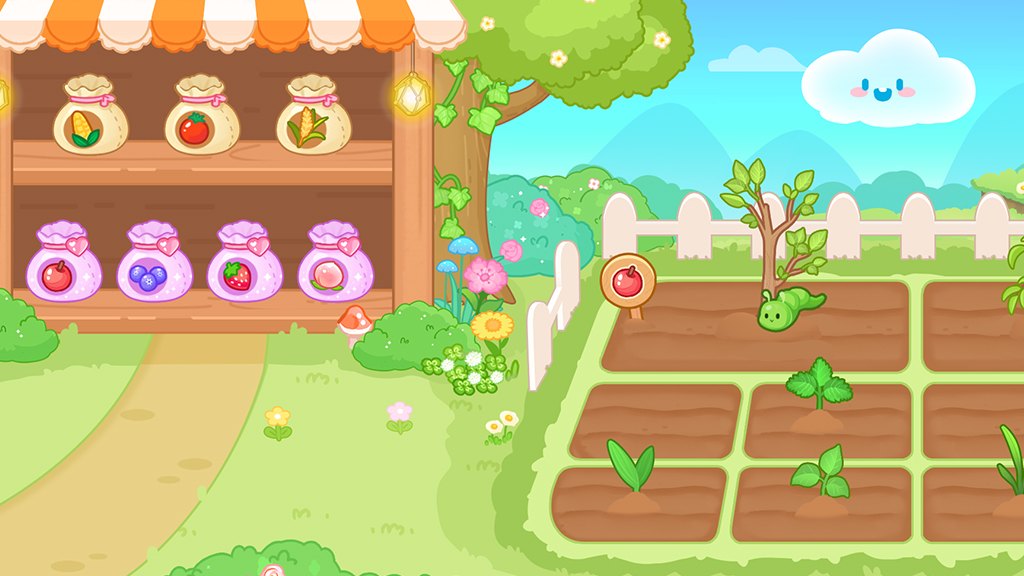
A compact interaction set can feel generous when placement, sound, animation, and persistent visual change reinforce one another.
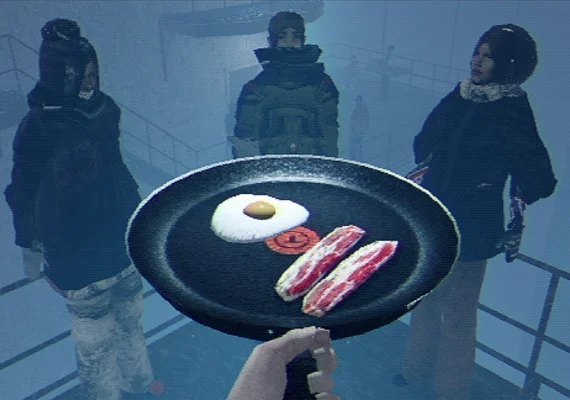
Distinctive materials, constrained spaces, and controlled lighting can turn technical limits into a coherent visual language.
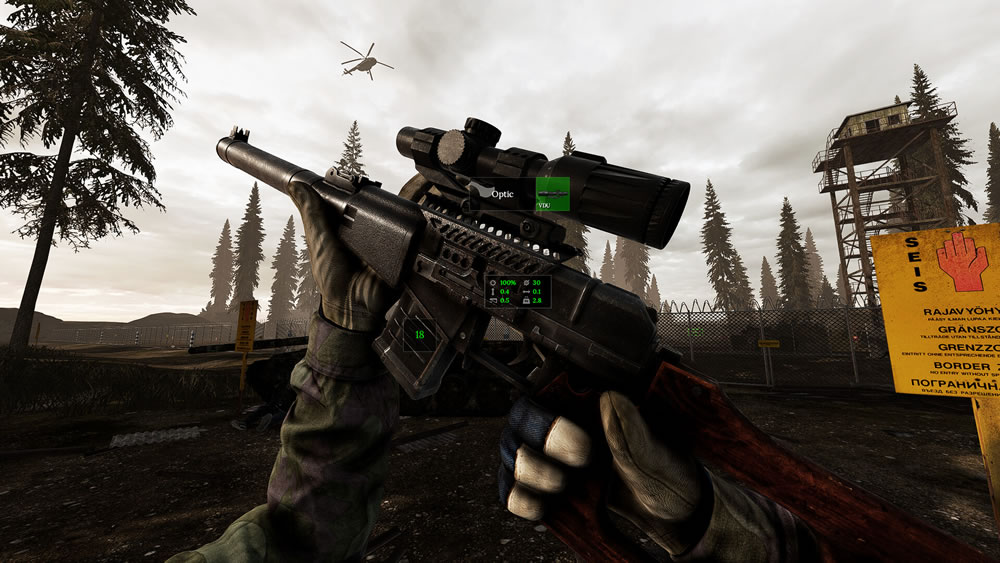
Large authored spaces test import time, visibility, navigation, physics, save state, and the team’s ability to inspect a broken world.
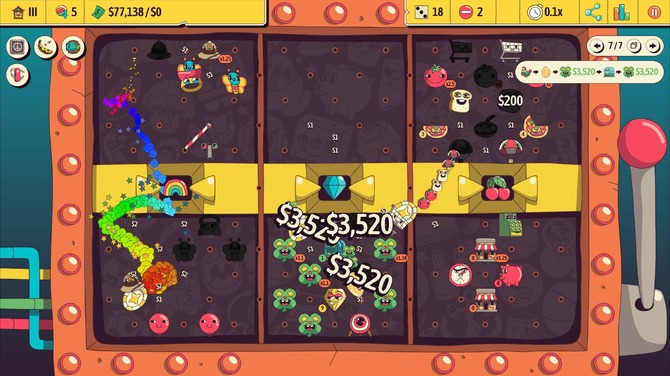
Physics can be the toy while authored rules still determine scoring, progression, and replayability.
Avatars, chat, emotes, reconnect behavior, moderation, and low-pressure shared activities define the experience.
Test keyboard, controller, touch, focus loss, low frame rate, and remapping before multiplying content.
The pipeline should make another enemy, card, room, or quest without duplicating fragile logic.
Pause, reset, save, load, scene transition, and failed load each have an explicit path.
Measure frame time, memory, package size, and load behavior on the minimum supported device.
Color is not the only signal; text scales; focus is visible; motion and audio have usable controls.
Exports, signing, permissions, credits, crash logs, symbols, and rollback artifacts are rehearsed.
TEAMS USING THE ENGINE
Source-linked studio directory. Original commercial claims are held for review; the supplied project images are contextual, not studio logos.
ENGINE GENERATIONS
Compare release lines, then use the official archive and migration documentation for version-specific decisions.
SCRIPTING CHOICES
The official guidance is less tribal than the internet: start with the language that fits your team, mix languages when useful, and optimize only where profiling proves it matters.
Choose it for rapid gameplay iteration, tools, jams, and teams that want the shortest path from scene to script.
Choose it when the team already speaks C#, needs .NET libraries, or has algorithmic systems that benefit from compiled code.
The editor, debugger, signals, resources, and node paths share one vocabulary. Less ceremony keeps the feedback loop short.
Existing language fluency and libraries can outweigh the extra build surface—especially for tools and simulation-heavy systems.
Keep scene orchestration in GDScript and isolate mature C# systems behind small APIs. Avoid ping-pong calls in hot loops.
Native code is a scalpel for image processing, voxel generation, codecs, or platform integration—not a default starting point.
CREATORS, PEOPLE & STEWARDSHIP
A source-linked directory of named contributors and creators. Biographical and employment claims await separate verification.
OPEN-SOURCE NEIGHBORS
An index of open-engine research leads with original sources. Check the linked project before relying on compatibility or license details.
FOUR DEEP READS
These engines are not Godot with different syntax. Their object models, editor assumptions, deployment paths, and community centers produce distinct development cultures.
Core idea: data lives in components; systems query and transform it. Plugins compose the engine. The result is explicit, parallel-friendly architecture without a scene-tree-first worldview.
Core idea: a modular, AAA-scale toolchain assembled from Gems. Rendering, simulation, robotics, networking, and cloud-adjacent components can be selected rather than hidden behind one compact editor.
Core idea: the whole game and engine experience stays close to standard C# projects and .NET tooling. It offers a conventional editor without asking teams to learn a bespoke scripting language.
Core idea: behaviors and event sheets make game logic accessible without a traditional programming prerequisite. The engine optimizes for a low floor and fast 2D iteration.
ENGINE LANDSCAPE
A visual index of engine research leads. Images depict cited games, not the engine interface. Licensing and business claims remain held for primary-source review.
BEYOND A DESKTOP BUILD
Platform planning begins with the target. These are workflow questions, not a promise of compatibility.
EXPORT FIELD MANUAL
A green Run button proves only that the project works on a developer machine. These release tracks move platform constraints to the start of production: toolchain, input, memory, permissions, signing, store packaging, and device testing.
The broadest path and the best baseline for profiling. Native libraries, renderer selection, controller behavior, window modes, and package signing still vary by operating system.
The browser is a constrained platform: download size, memory, threads, audio activation, persistence, cross-origin isolation, and GPU support shape the design. Godot 4 C# is not a web target.
Frame pacing, thermal limits, package size, notches, touch targets, lifecycle pauses, permissions, and store policy matter as much as raw speed. C# support remains experimental in the documented Godot 4 line.
XR adds comfort, tracking origin, controller profiles, stereo rendering, passthrough permissions, and strict frame budgets. Vendor loaders and Android export settings are part of the product.
Console development sits behind platform-holder agreements, private SDKs, certification rules, and technical requirements that cannot live in Godot’s public repository.
Handheld PC delivery adds controller-first navigation, variable performance envelopes, suspend/resume, small-screen legibility, and two viable runtime paths.
Localization is a content pipeline and layout stress test. Keys, placeholders, plural rules, bidirectional text, glyph coverage, and voice assets need ownership.
A release should be reproducible from source, import assets in a clean environment, identify its commit, and preserve symbols and manifests.
Every essential action works with the target’s real controller, keyboard, touch surface, or tracked input—without a mouse escape hatch.
Install on a clean device, launch offline, deny optional permissions, interrupt the app, and return without corrupting state.
Record frame time, memory, package size, load time, and thermal behavior on the minimum supported hardware.
Official XR Android deployment guide ↗ · Godot 4.7 platform notes ↗
SMALL-TEAM PLAYBOOK
The useful Godot advantage is not “free software” in the abstract. It is a production loop that stays inspectable: text-based project files, scene-level composition, quick scripts, deliberate export presets, and the option to change the engine itself.
GAME-JAM STARTER KIT
The jam advantage is not writing code faster. It is making irreversible scope decisions earlier. This schedule assumes a tiny team, one platform, source control from hour zero, and an exportable build before polish.
Translate the theme into one player action and one escalation rule. Build gray-box input, restart, and win/lose states before art. Kill any pitch that needs more than one sentence.
One room, one enemy or obstacle, one feedback channel. Commit a runnable export. If the loop is not readable without explanation, simplify it before content multiplies the problem.
Make scenes and resources reusable. Add only variations that change decisions. Replace temp art where silhouette, timing, sound, or contrast affect play.
Stop feature work. Test clean installs, controller focus, mute/pause, credits, and restart. Let someone unfamiliar play while the team stays silent. Export twice.
Godot Wild Jam format ↗ · Official project organization guide ↗
START HERE
Use official docs for the mental model, a structured course for repetition, and a jam for the deadline. The goal is not to know every node; it is to ship one small, complete loop.
Pin up to three games.